

For a long time, Google was the answer to everything. Need a recipe? Google it. Weird symptom? Google it. Trying to remember the name of that actor from “that one movie”? Google again.
But lately… it just doesn’t feel the same.
Instead of clear answers, you’re often met with ads disguised as advice, pages stuffed with keywords, and articles that somehow say a lot without actually helping you. You scroll. You click. You back out. You scroll some more. And ten minutes later, you’re wondering why finding a simple answer feels like such a chore.
That’s because Google isn’t really built for you anymore—it’s built for advertisers and algorithms.
The good news? You don’t have to settle for that.
There are websites out there that skip the fluff, respect your privacy, and give you faster, clearer, more useful results. Once you start using them, you may find yourself Googling a whole lot less—and feeling a whole lot less frustrated.
1. DuckDuckGo – When You Want Real Answers Without Being Tracked
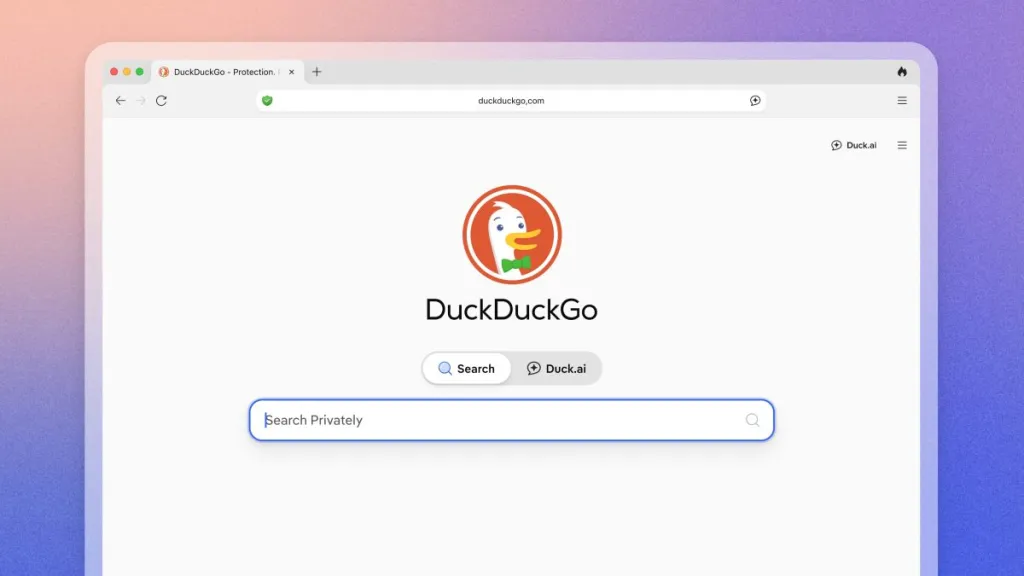
DuckDuckGo feels like search engines used to feel—simple, calm, and refreshingly honest.
When you type a question into DuckDuckGo, you’re not being watched, logged, or quietly followed around the internet afterward. That means no awkward moments where you search for something personal once… and then see ads about it everywhere for the next two weeks.
What really stands out is how clean the results feel. You’re not wading through endless promoted links or trying to figure out which answers are genuine and which ones paid to be there. You just get straightforward results that actually relate to what you asked.
It’s especially comforting when you’re searching for things that feel personal—health concerns, money questions, family issues—topics that don’t need to be turned into targeted ads.
What it’s better at than Google
DuckDuckGo doesn’t track your searches, build a profile on you, or personalize results based on your past behavior. That means what you see is what everyone sees—no manipulation, no assumptions, and no creepy follow-up ads.
Best for
- Everyday questions you just want answered quickly
- Health, finance, and personal searches you’d rather keep private
- Anyone who prefers a calm, clutter-free search experience
Once you try DuckDuckGo, it’s hard not to think, “Why wasn’t it always this easy?”
2. Wolfram Alpha – When You Need Facts, Not Blog Posts
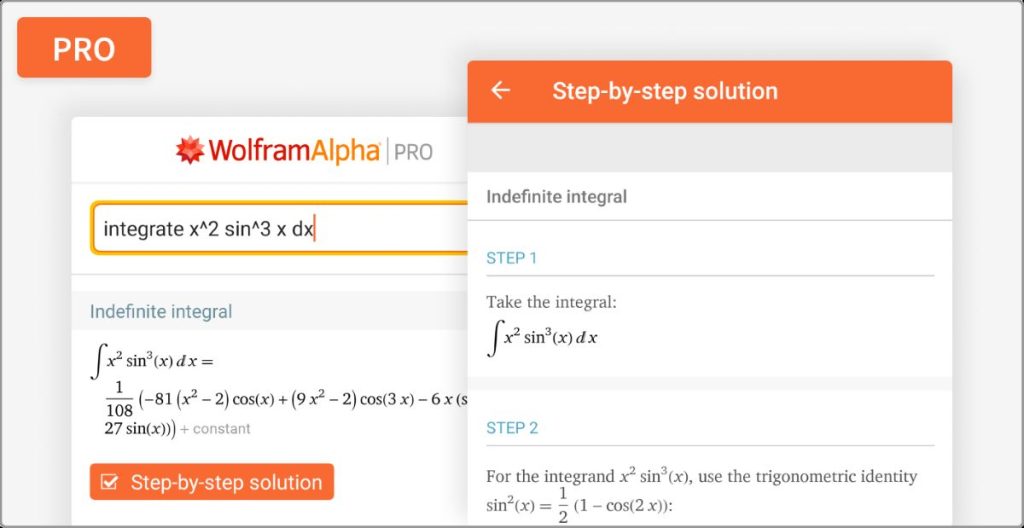
Wolfram Alpha is what you use when you’re tired of clicking through five articles just to find one simple answer.
Instead of showing you a list of blog posts, Wolfram Alpha skips straight to the point. You ask a question, and it gives you the answer—often with charts, calculations, and comparisons laid out clearly. No scrolling. No guessing which website is trustworthy. No fluff.
It feels a little like having a very smart friend sitting next to you saying, “Here—this is what you’re looking for.”
It’s especially helpful when Google sends you to long articles that bury the answer halfway down the page—or worse, never really answer it at all. Wolfram Alpha doesn’t try to entertain you or sell you anything. It just delivers facts.
What it’s better at than Google
Wolfram Alpha gives direct answers, not a collection of links. It instantly handles math, science questions, data comparisons, timelines, conversions, and calculations that would otherwise take multiple searches to figure out.
Best for
- Math problems you don’t want to solve by hand
- Unit conversions (cups to grams, miles to kilometers, years to days, and more)
- Quick, trustworthy factual data without opinions mixed in
If Google feels overwhelming, Wolfram Alpha feels refreshingly calm and precise.
3. Reddit – When You Want Real People’s Experiences

Sometimes, you don’t want an “expert article.” You want to hear from real people who’ve actually been there.
That’s where Reddit shines.
Reddit is made up of thousands of communities where people talk openly about their experiences—good, bad, and everything in between. When you search a question on Reddit, you’re not getting polished marketing copy. You’re getting honest answers from people who have tried the product, lived through the situation, or asked the same question themselves.
It’s the internet equivalent of saying, “Let me ask a group of people who know what this is really like.”
Yes, opinions can vary—but that’s actually the point. You get different perspectives instead of one carefully worded answer designed to rank on Google.
What it’s better at than Google
Reddit offers real conversations, not SEO-optimized articles. There’s no corporate polish—just lived experience, follow-up questions, disagreements, and helpful details you won’t find in formal guides.
Best for
- Honest product reviews
- Personal advice and life situations
- “Has anyone else experienced this?” type questions
If you’ve ever typed a question into Google and added the word “Reddit” at the end, you already know how powerful it can be.
4. Pinterest – When You’re Searching for Ideas, Not Information

Pinterest is what you use when you don’t quite know what you’re looking for yet—you just know how you want it to feel.
Instead of giving you paragraphs of text to read through, Pinterest shows you ideas right away. Photos. Colors. Finished projects. Step-by-step visuals. You can scroll and instantly think, “Oh! That’s it—that’s what I was picturing.”
It’s especially wonderful for things like recipes, decorating, crafts, and hobbies—anything where seeing the idea makes all the difference. Google might give you a list of links, but Pinterest gives you inspiration. It’s less about answering a question and more about helping you discover something you didn’t even know you wanted yet.
And the best part? Once Pinterest learns what you like, it keeps showing you more of it. Suddenly you’ve got a whole board full of ideas saved for later, and everything feels organized instead of overwhelming.
What it’s better at than Google
Pinterest is visual first. You’re not reading long explanations—you’re seeing real examples right away. It makes finding ideas faster, easier, and honestly, more fun.
Best for
- Recipes and meal ideas
- Home decorating and organization
- Crafts, DIY projects, and lifestyle inspiration
If you’ve ever said, “I just want ideas, not instructions yet,” Pinterest is exactly where you should start.
5. YouTube – When Seeing It Done Beats Reading About It

Some things are just easier to learn when someone shows you—and that’s where YouTube shines.
Reading instructions can only get you so far. But watching someone do it step by step? That’s a game changer. On YouTube, you can pause, rewind, slow things down, and follow along at your own pace—no pressure, no confusion.
Whether you’re trying to fix something around the house, learn a new recipe, or figure out how to use a phone feature that suddenly disappeared, YouTube makes it feel doable. It’s like having a patient helper right there with you saying, “Okay, now click this… now do this next.”
And the variety is incredible. You can usually find several videos on the same topic, so if one explanation doesn’t click, another one probably will.
What it’s better at than Google
YouTube shows you exactly how something is done. No guessing. No re-reading the same sentence five times. Just clear, visual, step-by-step demonstrations.
Best for
- Tutorials and how-to guides
- Fix-it help around the house
- Learning new skills quickly and confidently
If you’ve ever thought, “I wish I could just watch someone do this,” YouTube is already the answer.
6. Brave Search – When You Want Google-Quality Results Without the Surveillance
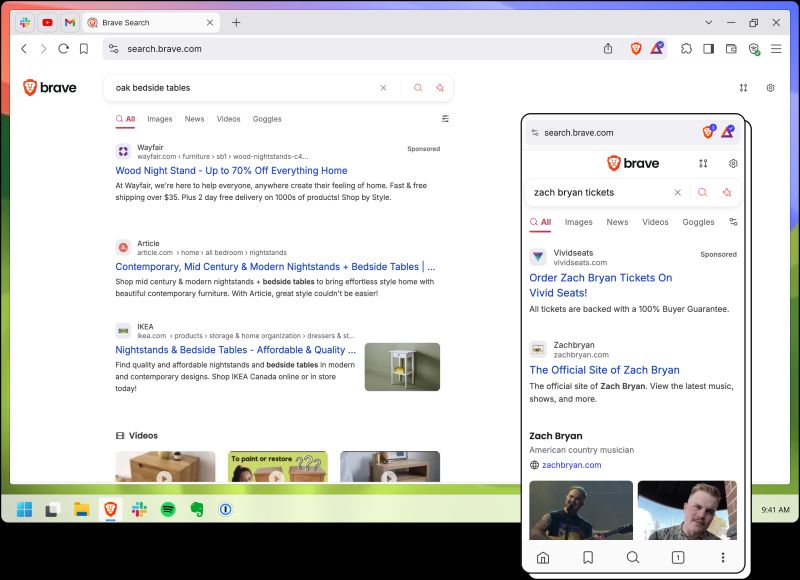
Brave Search feels a lot like Google did before everything started feeling tracked, personalized, and a little invasive.
You type in a question, and you get solid results—without the uncomfortable feeling that someone is quietly taking notes about you behind the scenes. Brave doesn’t follow you around the internet, doesn’t build a profile on you, and doesn’t use your past searches to shape what you see next.
That’s refreshing.
One of the nicest things about Brave Search is how neutral it feels. Two people searching the same thing will see the same results. No “filter bubble.” No subtle nudging. Just information based on what you asked—not who you are or what you clicked on yesterday.
It’s especially reassuring when you’re researching news, current events, or sensitive topics and you want to feel confident you’re seeing a balanced picture—not something quietly tailored to keep you clicking.
What it’s better at than Google
Brave Search doesn’t track, profile, or sell your data. Your searches aren’t influenced by your history, location, or personal profile, which means the results feel cleaner and more trustworthy.
Best for
- Private research
- News and current events
- Anyone who wants unbiased, neutral search results
If you like Google’s usefulness but not the feeling of being watched, Brave Search is a very comfortable alternative.
7. Bing – When You Want Cleaner Answers and Smarter Visual Search
Bing is one of those tools people often overlook—until they try it and think, “Oh… this is actually pretty nice.”
Where Bing really shines is with visuals. If you’re searching for images, products, places, or comparisons, Bing often feels clearer and easier to scan than Google. The layouts are cleaner, the images are front and center, and the summaries tend to get to the point faster.
Instead of digging through pages clearly written just to rank well, Bing often surfaces concise answers and visual previews that help you decide quickly whether something is worth clicking.
It’s also surprisingly good for product research. When you’re comparing options, seeing images, ratings, and summaries all in one place can save a lot of time—and frustration.
What it’s better at than Google
Bing offers strong visual search and often provides clearer summaries without burying you under SEO-heavy content.
Best for
- Image searches
- Product comparisons
- Research where visuals help you decide faster
If you’re someone who thinks visually and likes information laid out neatly, Bing can feel calmer and easier to use.
8. Yahoo! – When You Want Search, News, and Email in One Place
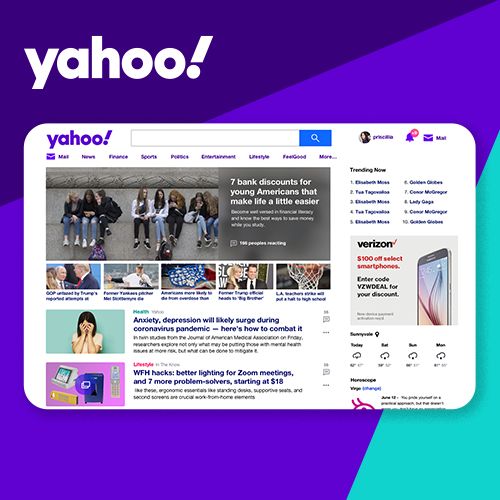
Yahoo feels less like a search engine and more like a digital front porch.
Instead of just a blank box waiting for a question, Yahoo greets you with news headlines, finance updates, lifestyle stories, weather, and email—all in one place. It’s the kind of site you visit when you want to browse, not just search.
For many people, that all-in-one feeling is comforting. You can check the news, look up something specific, glance at finance updates, and read a lifestyle article without jumping between multiple websites.
It’s especially appealing if you like having a “homepage” experience—something familiar you can return to each day rather than starting from scratch every time.
What it’s better at than Google
Yahoo combines search with curated content, finance tools, and email, making it feel more like a complete destination instead of just a search bar.
Best for
- News browsing
- Finance and lifestyle content
- Users who prefer an all-in-one portal experience
If Google feels a little cold and transactional, Yahoo feels warmer and more familiar.
Final Thoughts
Google is still useful. It always will be.
But it’s no longer the best tool for everything—and that’s okay.
The internet has grown, people’s needs have changed, and there are now websites designed to do specific things really, really well. Once you start using the right platform for the right job, searching online feels easier, calmer, and far less overwhelming.
You might even catch yourself thinking, “Why did I spend so many years fighting with Google when this exists?”
Try just one of these sites the next time you’re stuck or annoyed with search results. Chances are, it won’t be your last time using it.
Sometimes the biggest upgrade isn’t learning something new—it’s simply choosing a better tool.
Read Also: