
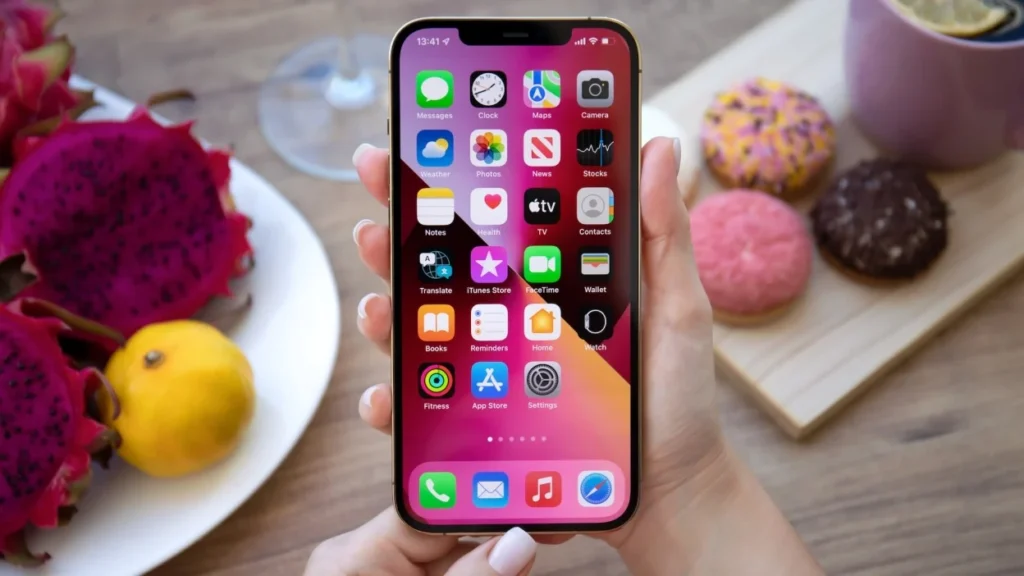

When you unbox a new iPhone and turn it on for the first time, you’ll notice it already comes loaded with a bunch of apps. And honestly, that’s pretty convenient—you can check your email, browse the web, listen to music, jot down notes, and more without needing to download a single thing.
But let’s be real… you probably won’t use all of them.
Here’s the thing most people don’t realize: a lot of those built-in iPhone apps aren’t as “essential” as they seem. You can actually remove quite a few of them—and your phone will keep working just fine. If you’re trying to declutter or just want a cleaner home screen, this is an easy win.
Let’s walk through a few you can safely delete (and when it actually makes sense to do it):
1. Books
The Books app is where Apple keeps all its e-books, but if you’re not into reading on your phone, you probably won’t touch it. It’s been around since 2014, but it’s far from necessary. If you ever want to read later, apps like Kindle or Libby often have a bigger selection anyway.
2. Calculator
The Calculator app has been there since the very first iPhone in 2007—but let’s be honest, some people barely use it. If you prefer another app or just do quick math in your head, you won’t miss it. You can still swipe down and type equations into Spotlight search for quick calculations without any app at all.
3. Calendar
The built-in Calendar app feels important, but it’s actually optional. It’s been part of the iPhone since day one, yet plenty of people replace it with something else. Google Calendar or other apps can sync across all your devices, which is helpful if you don’t live entirely in Apple’s ecosystem.
4. Clock
Clock has been on the iPhone since 2007, but yes—you can delete it. Your phone won’t break, though you’ll want another way to set alarms if you rely on them. Many people switch to sleep or habit apps that include smarter alarms and better routines.
5. Compass
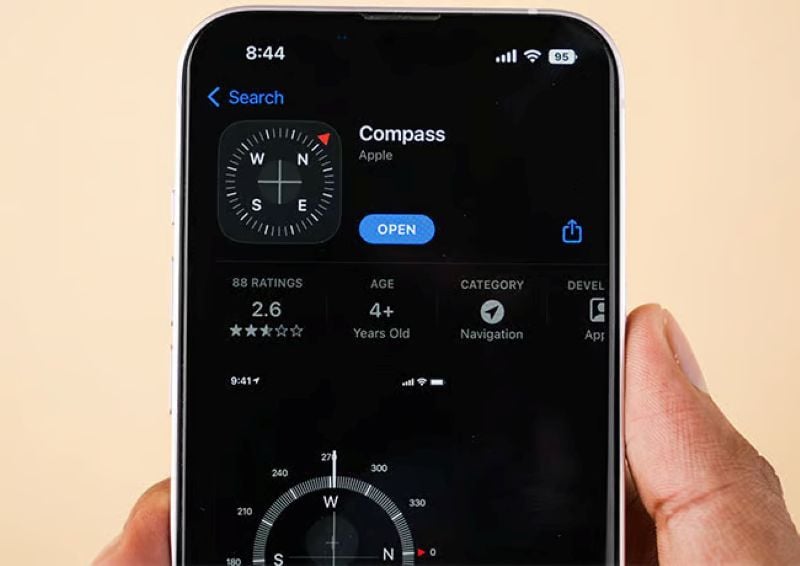
Compass is one of those apps you probably forget exists. It showed up in 2009 and can easily be removed if you never use it. Unless you hike or travel off the beaten path, you’ll likely never notice it’s gone.
6. Contacts
This one surprises people—you can delete the Contacts app, even though it feels essential. It’s been around since 2008, but your contacts will still live inside the Phone app. So even if you delete it, you won’t lose a single number or name.
7. FaceTime
FaceTime has been around since 2010, and while it’s great for video calls, you don’t actually need it on your phone. You can still make regular calls through the Phone or Contacts apps just fine. If you mostly use apps like WhatsApp or Zoom, you probably won’t notice it’s gone.
8. Files
A file manager sounds like something every phone needs, but most people barely open the Files app. It’s been around since 2017, and yes—you can remove it. If you rely on Google Drive or Dropbox, those apps often do a better job organizing your documents anyway.
9. Find My
This one feels like it should be untouchable, but you can actually delete it. Find My has been built-in since 2019, combining device and friend tracking into one place. That said, it’s worth keeping if you ever misplace your phone or want to share your location with family.
10. Freeform
Freeform is Apple’s newer brainstorming app, launched in 2022—but a lot of people have never even opened it. You can remove it without affecting anything else. If you like jotting down ideas, apps like Notion or even Notes might feel more useful day-to-day.
Read Also: How to Take a Screenshot on iPhone Without Pressing the Side Buttons
11. Health
The Health app has been around since 2014, and if you’re not tracking steps, workouts, or anything health-related, you can delete it. Just know your data doesn’t disappear—it stays saved in your settings if you ever want it back.
12. Home
The Home app is Apple’s smart home hub, introduced in 2016—but not everyone uses smart devices. If you don’t, it’s an easy delete. If you ever add smart lights or cameras later, you can always reinstall it in seconds.
13. iTunes Store
Remember the iTunes Store? It’s been around even longer than the iPhone itself and landed on iOS back in 2008. If you’re not buying music, movies, or ringtones, you can safely remove it. These days, most people stream everything, so apps like Spotify or Netflix usually replace it completely.
14. Journal
The Journal app is a newer addition, showing up in 2023 to help you capture daily memories and thoughts. But if journaling isn’t your thing, it’s easy to delete. If you do like reflecting now and then, even a simple Notes app entry can give you the same benefit without the extra app.
15. Magnifier
Magnifier is one of those hidden apps you might not even realize you have. It’s been a standalone app since 2020 and can be removed without affecting anything else. That said, it can be surprisingly helpful for reading tiny print in a pinch—like menus or labels.
16. Mail
The default Mail app has been part of the iPhone since 2007, but it’s far from your only option. If you prefer another email app, you can delete it. Apps like Gmail or Outlook often offer better spam filtering and a more modern interface.
17. Maps
Apple Maps has come a long way since it launched in 2012, but it’s still not everyone’s first choice. If you prefer another navigation app, you can remove it. Many people stick with Google Maps for its more detailed reviews, business info, and familiar interface.
18. Measure
Measure is one of those handy little tools Apple added in 2018 that lets you measure objects using your camera. But if you’ve never opened it, you can safely delete it. It’s actually pretty useful in a pinch—like checking furniture size while shopping—so it might be worth trying once before removing it.
19. Music
Apple’s Music app replaced the old iPod app back in 2011, but these days there are tons of alternatives. If you’re already using something else, you won’t miss it. Apps like Spotify or YouTube Music usually offer more personalized playlists and recommendations.
20. News
The News app has been around since 2015, but not everyone uses it to stay informed. If you get your news elsewhere, it’s an easy one to remove. Many people prefer curated newsletters or social media for quicker, more tailored updates.
Read Also: 2 Simple Tricks to Reclaim Your iPhone Storage Without Deleting a Single Photo
21. Notes
For a lot of people, Notes is a go-to app—but not everyone uses it. It’s been on the iPhone since the very beginning in 2007, and yes, you can delete it. If you still need a place to jot things down, apps like Google Keep or Evernote can sync across more devices.
22. Playground
If you’ve set up Apple Intelligence, you might see Playground—Apple’s newer AI image creation app from 2024. But if you’re not using it, you can remove it without any issues. It’s fun for generating quick images or ideas, but not essential unless you actually use AI tools regularly.
23. Passwords
Passwords is one of Apple’s newer apps, introduced in 2024 to manage logins and sensitive info. If you already use something else, you don’t need it. If you do keep it, it can make logging into apps and websites much faster and more secure with autofill.
24. Podcasts
The Podcasts app has been around since 2012, but it’s just one of many options out there. If you prefer another player, feel free to delete it. Apps like Spotify or Pocket Casts often offer better discovery features and easier playlist management.
25. Reminders
Reminders has been part of iOS since 2011, helping people keep track of tasks and to-dos. But if you’re using something else—or just don’t need it—you can remove it. If you struggle to stay organized, though, even simple reminders can make a big difference in your day.
26. Shortcuts
Shortcuts can automate all kinds of things on your iPhone, but not everyone uses it. If it feels confusing or unnecessary, you can delete it. For those who do use it, it can save a lot of time by automating repetitive tasks with a single tap.
27. Stocks
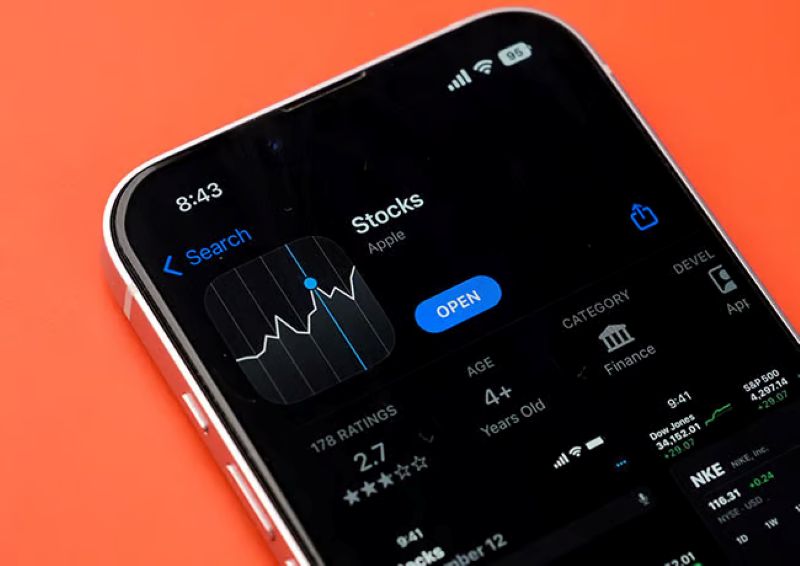
The Stocks app has been there since the very first iPhone in 2007. If you’re not tracking the market, it’s safe to remove. If you ever get curious about investing, you can always reinstall it or use more beginner-friendly apps.
28. Tips
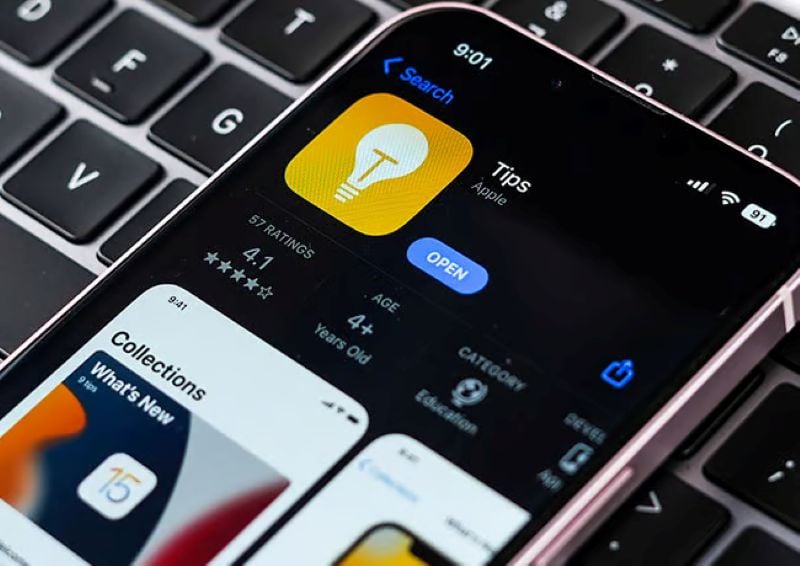
Tips has been popping up with helpful advice since 2014, but once you’re familiar with your iPhone, you probably don’t need it anymore. That said, it occasionally highlights features you might not know exist, so it can be worth browsing once in a while.
29. Translate
Apple’s Translate app has been around since 2020, and it’s gotten better over time—but you don’t have to keep it. If you ever travel or need quick translations, though, it can be a lifesaver without needing an internet connection.
30. TV
The TV app is where Apple houses its movies and shows, and it’s been a standalone app since 2016. If you watch everything through other platforms, you can delete it. Most people stick with apps like Netflix or Disney+ anyway, so you probably won’t miss it.
31. Voice Memos
Voice Memos has been around since 2009, and while it’s useful, not everyone needs it. You can remove it without affecting anything else. It can be surprisingly handy for quick reminders or recording thoughts when typing isn’t convenient.
32. Wallet
This one catches a lot of people off guard—you can uninstall the Wallet app. It’s been around in its current form since 2012 for payments, tickets, and cards. If you use contactless payments or store boarding passes, though, this is one you’ll likely want to keep.
33. Watch
If you don’t own an Apple Watch, the Watch app is just taking up space. It’s been included since 2015 and can be deleted easily. If you ever get a watch later, you can reinstall it in seconds and pair everything back up.
34. Weather
Even the Weather app—which has been on iPhones since 2007—can be removed if you prefer another way to check forecasts. Apps like AccuWeather or The Weather Channel often offer more detailed forecasts and alerts.
And that’s pretty much it—you can remove most of the preinstalled apps on your iPhone. Once you do, everything feels a lot cleaner, simpler, and tailored to how you actually use your phone every day.
Read Also: 8 Types of Apps You Should Never Install on Your iPhone