
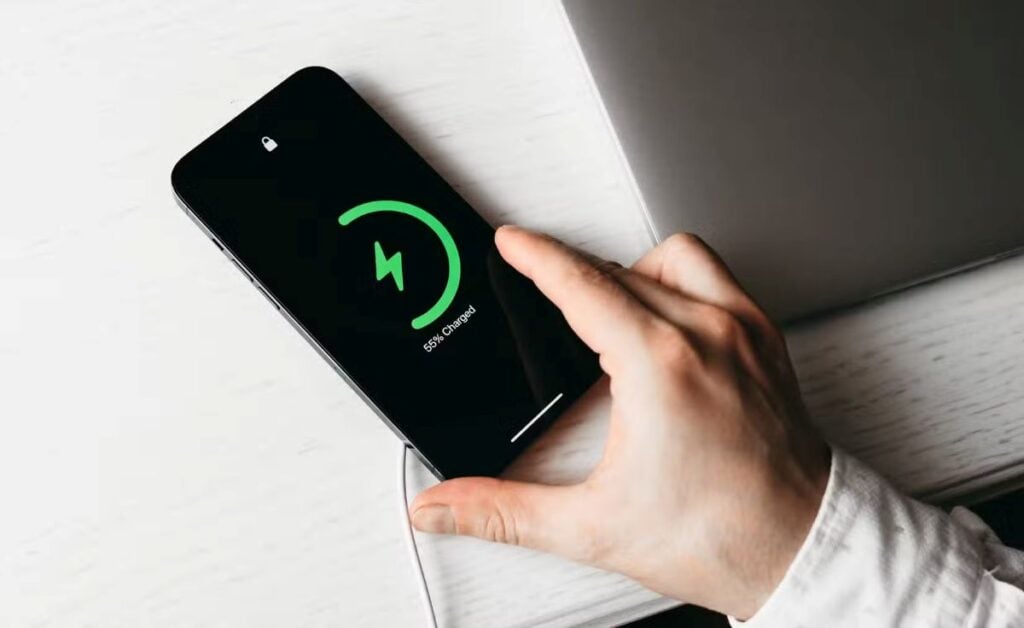

You know that moment when you grab your phone to check something quickly… and it’s dead? Somehow it always happens at the worst possible time. Right when you need directions, or you’re waiting for an important message, or you just want to relax for a minute. It’s frustrating—and honestly, it feels like your phone is working against you.
What most people don’t realize is that battery health isn’t just about how long your phone lasts in a day. It actually affects how well your phone performs over time. A worn-down battery can make everything feel slower, glitchier, and just a little more annoying than it should be.
The good news? You don’t need to be “techy” to fix this. It’s really just about a few small habits you can tweak in your everyday routine. Nothing complicated—just simple changes that quietly make a big difference over time.
1. Avoid Letting Your Battery Hit 0%
It might feel harmless to let your phone drain all the way to 0%—especially if you’re used to doing that with older devices—but modern iPhones don’t love that. Every time your battery fully dies, it puts a little extra stress on it. Think of it like running on empty all the time—it works, but it wears things down faster.
Your battery actually prefers staying in a comfortable middle zone. Somewhere between about 20% and 80% is ideal. You don’t have to obsess over it, but if you can plug it in before it hits that last desperate 1%, you’re doing your phone a favor.
A simple way to think about it: don’t treat your phone like you’re squeezing out every last drop. Treat it more like you’re keeping it comfortably “topped up” throughout the day. It’s a small shift, but over time, it helps your battery stay healthier for much longer.
2. Don’t Keep It Plugged in at 100% for Too Long
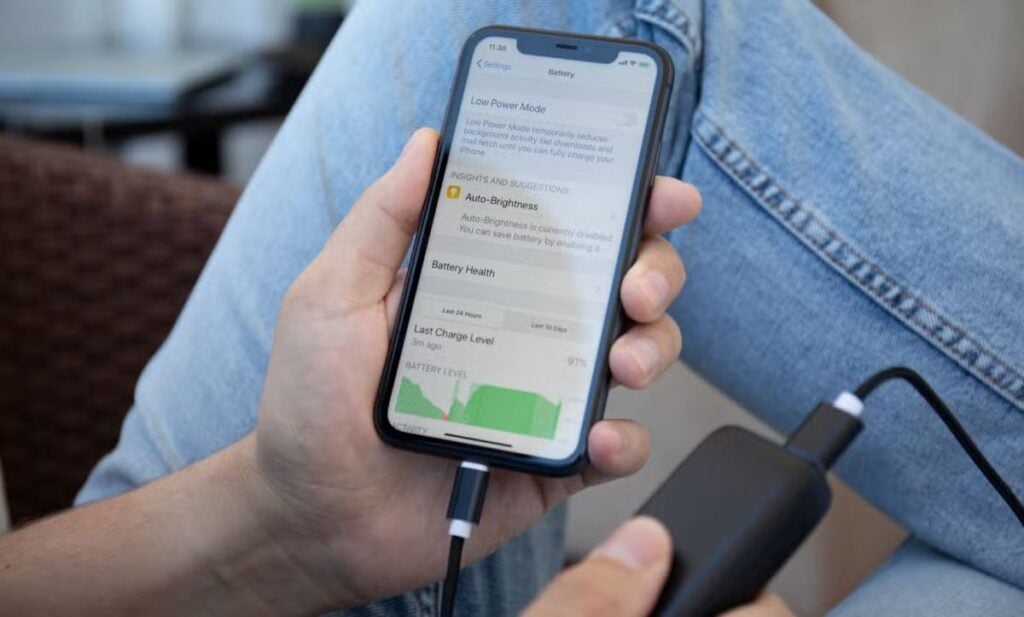
A lot of us plug our phones in before bed and leave them charging all night. It’s convenient, and it feels like the easiest way to make sure you start the day at 100%. But here’s the thing—once your phone hits 100%, keeping it plugged in for hours afterward can slowly wear the battery down.
Your phone is basically sitting there fully charged, still receiving tiny bits of power to stay at 100%, and that constant “topping off” adds stress over time. It’s not going to ruin your battery overnight, but day after day, it adds up.
If you can, try to unplug it once it’s fully charged—or charge it at times when you’re awake and can keep an eye on it. And if overnight charging is just part of your routine (which, let’s be honest, it is for most people), turning on “Optimized Battery Charging” can help reduce the impact.
It’s not about being perfect. It’s just about being a little more mindful so your battery isn’t working harder than it needs to.
3. Use Optimized Battery Charging
This is one of those settings that sounds a little technical, but it’s actually doing something really simple—and really helpful—in the background. Optimized Battery Charging is your iPhone’s way of learning your daily routine and adjusting how it charges to protect your battery.
For example, if you usually plug your phone in before bed and unplug it around the same time every morning, your phone starts to notice that pattern. Instead of racing straight to 100% and sitting there all night, it’ll pause around 80%… then finish charging closer to when you actually wake up. It’s like your phone is pacing itself instead of sprinting.
The nice part? You don’t have to think about it once it’s turned on. It quietly does its thing in the background, helping reduce wear on your battery over time. It’s one of those “set it and forget it” habits that makes a bigger difference than you’d expect.
4. Keep Your iPhone Away from Heat
If there’s one thing that quietly damages your battery faster than anything else, it’s heat. Not cold, not usage—heat. Your iPhone’s battery really prefers to stay cool, and when it gets too warm, that’s when long-term damage starts to happen.
Think about everyday moments where this might happen without you realizing it. Leaving your phone in the car on a sunny day. Using it heavily while it’s charging. Setting it down in direct sunlight at the beach or even near a window. These little situations don’t seem like a big deal in the moment, but over time, they add up.
A good rule of thumb is simple: if your phone feels noticeably warm in your hand, it’s worth giving it a break. Move it to a cooler spot, take it out of the sun, or pause whatever you’re doing for a bit. Keeping it cool is one of the easiest ways to help your battery last longer—and it doesn’t require any extra effort once you’re aware of it.
5. Remove Thick Cases While Charging (If Your iPhone Gets Warm)
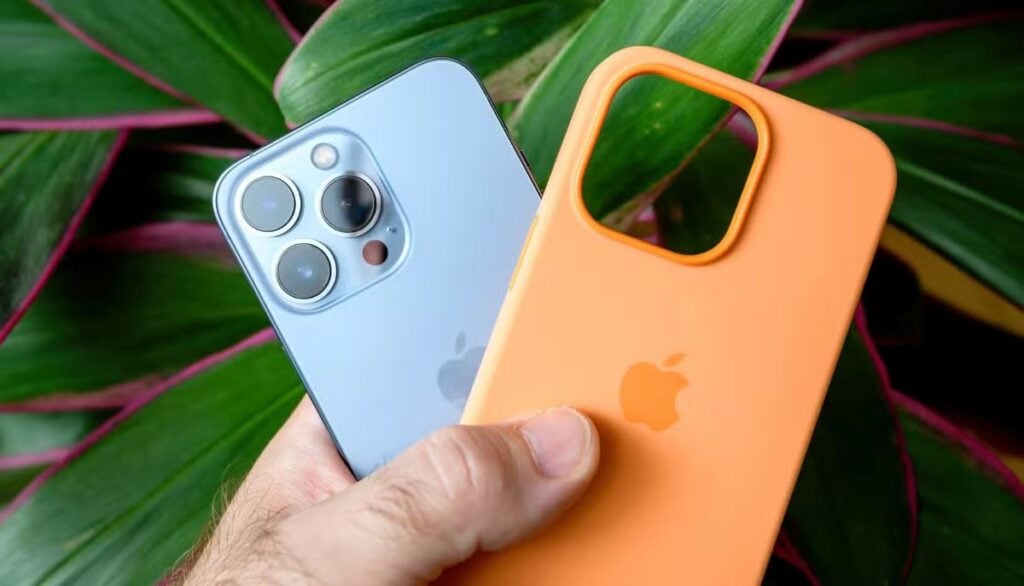
Phone cases are great for protecting your iPhone—but some of them can trap heat, especially while your phone is charging. And as you already know, heat and batteries don’t get along very well.
If you’ve ever picked up your phone while it’s plugged in and noticed it feels warmer than usual, your case might be part of the reason. Thicker or more insulated cases can hold that heat in, almost like wrapping your phone in a blanket while it’s trying to cool itself down.
You don’t need to ditch your case altogether. Just get into the habit of slipping it off if you notice your phone getting warm while charging—especially during longer charging sessions. It’s a small, simple step, but it helps your phone stay cooler and puts less strain on the battery over time.
Sometimes it really is the little things like this that make the biggest difference.
6. Use Apple-Certified Chargers
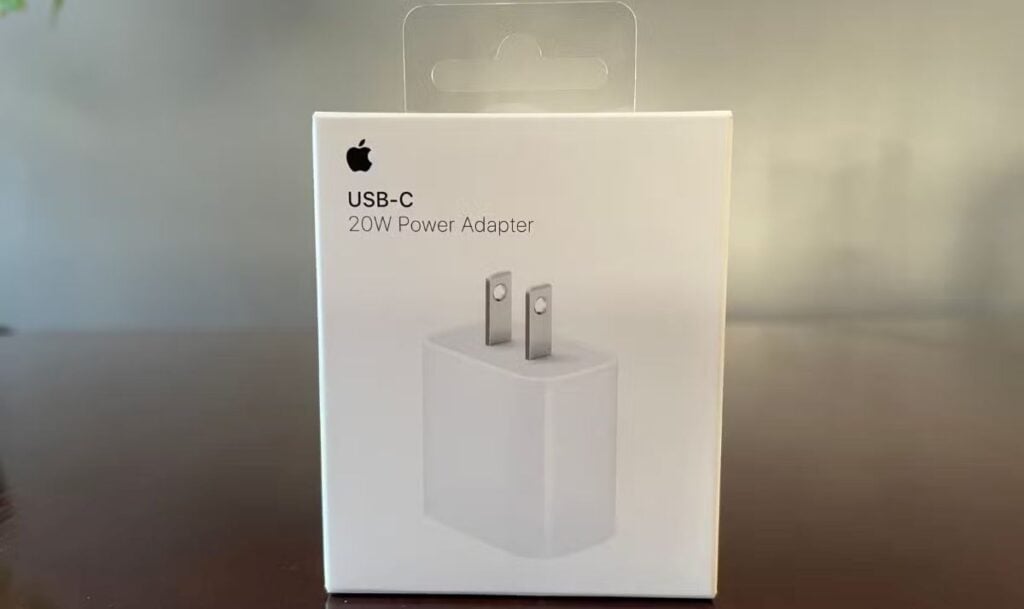
I get it—chargers are one of those things where it’s tempting to just grab the cheapest option online and call it a day. They all look the same, right? But when it comes to your iPhone’s battery, the quality of the charger actually matters more than most people think.
Cheap, uncertified cables can deliver power unevenly. Sometimes it’s too much, sometimes it’s not stable, and over time, that inconsistency can quietly wear down your battery. It’s kind of like feeding your phone junk food instead of a balanced meal—it might work in the moment, but it’s not doing you any favors long-term.
Using an Apple-certified (or “MFi-certified”) charger just means your phone is getting clean, steady power the way it was designed to. You don’t have to overthink it or buy the most expensive option out there—just make sure it’s certified and reliable. It’s one of those small upgrades that helps your battery stay healthier without you even noticing day to day.
Read Also: 2 Simple Tricks to Reclaim Your iPhone Storage Without Deleting a Single Photo
7. Avoid Fast Charging All the Time
Fast charging is amazing when you’re in a rush. You plug your phone in for 20–30 minutes, and suddenly you’ve got a decent amount of battery again. No complaints there. But using it all the time is a bit like always driving your car at top speed—it gets the job done, but it adds more wear over time.
Fast charging works by pushing more power into your battery in a shorter amount of time, which naturally creates more heat and stress. And as we talked about earlier, heat is not your battery’s best friend.
That doesn’t mean you should avoid fast charging completely. It’s great when you need it. Just try not to rely on it for every single charge. If you’re at home, relaxing, or charging overnight, slower charging is actually gentler on your battery.
Think of fast charging as your “in a pinch” option—not your everyday default. Your battery will thank you for it in the long run.
8. Keep Your Software Updated
I know—those little update notifications can feel annoying. It’s easy to hit “remind me later” over and over again and forget about it. But those updates aren’t just about new features or a slightly different look—they often include important improvements for your battery too.
Behind the scenes, updates can fix bugs that cause your battery to drain faster than it should. They can also fine-tune how your phone manages power, making everything run a little more efficiently without you having to do anything.
So if your battery has been acting a little off, sometimes the simplest fix is just updating your phone. It’s not the most exciting tip, but it’s one of the easiest ones to stay on top of.
A good habit is to update when you have some downtime—like in the evening or when you’re connected to Wi-Fi. It takes a few minutes, but it helps your phone (and your battery) keep running the way it’s supposed to.
9. Lower Screen Brightness (or Use Auto-Brightness)
If your battery seems to drain faster than it should, there’s a good chance your screen is part of the reason. The display is actually one of the biggest battery users on your entire phone—and keeping it super bright all the time adds up quickly.
Most of us don’t even realize how high our brightness is set. It just becomes the default, especially if you’re outside a lot or using your phone during the day. But indoors, that same brightness is usually way more than you need.
An easy fix is turning on auto-brightness, so your phone adjusts based on your surroundings. Or, you can just manually nudge it down a bit when you don’t need it so bright. You probably won’t even notice the difference after a minute—but your battery definitely will.
It’s one of those simple tweaks that feels almost too small to matter… but it quietly makes a big impact over time.
Read Also: How to Take a Screenshot on iPhone Without Pressing the Side Buttons
10. Turn Off Background App Refresh
Have you ever noticed your battery dropping even when you’re not really using your phone? A lot of that comes from apps running in the background without you realizing it.
Background App Refresh lets apps update themselves behind the scenes—checking for new content, refreshing feeds, syncing data. It’s convenient, but the trade-off is that your battery is constantly being used, even when your phone is just sitting there.
The good news is you can control this. You don’t have to turn it off for everything—just the apps you don’t really need updating all the time. Social media apps, games, or shopping apps are usually the biggest culprits.
Once you trim that down, you might notice your battery lasting longer without changing anything else. It’s like closing a bunch of tiny leaks you didn’t even know were there.
11. Use Low Power Mode When Needed
Low Power Mode has a bit of a reputation for being something you only turn on when your battery is about to die—but it’s actually more useful than that.
When you turn it on, your phone quietly cuts back on things you don’t really need in the moment. It reduces background activity, lowers visual effects, and just makes everything a bit more efficient. You might not even notice most of the changes, but your battery definitely does.
And here’s the thing—you don’t have to wait until 20% to use it. If you know you’re going to be out for a while, traveling, or just won’t have easy access to a charger, turning it on earlier can help stretch your battery much further.
Think of it less like an emergency switch and more like a smart way to conserve energy when you need it. It’s there to help you get through the day without that constant worry of your phone dying at the worst possible time.
12. Store Your iPhone Properly If Not Using It
If you’re planning to put your iPhone away for a while—maybe you’ve upgraded, or you just don’t need it for a bit—it’s worth taking a minute to store it the right way. Most people either leave it fully charged or completely drained, but neither of those is actually ideal for the battery.
The sweet spot is around 50%. Not full, not empty—just right in the middle. When a battery sits at 100% for long periods, it can slowly lose capacity. And if it sits at 0%, it can dip too low and struggle to recover later on. Neither situation is great if you want that phone to still work well when you come back to it.
It’s also a good idea to store it somewhere cool and dry—not too hot, not too humid. Basically, treat it like something you want to last. And if it’s going to sit for months, try to check on it every now and then and keep it around that halfway charge. It’s a small step that can make a big difference later.
Conclusion
At the end of the day, keeping your iPhone’s battery healthy isn’t about doing anything complicated or technical. It’s really just a handful of small, everyday habits that add up over time.
You don’t need to follow all 12 of these perfectly. Even picking two or three—like avoiding 0%, keeping it cool, or not leaving it plugged in all night—can already make a noticeable difference. It’s less about being perfect and more about being a little more mindful.
And the payoff is worth it. A healthier battery means your phone lasts longer during the day, runs more smoothly, and doesn’t need to be replaced as quickly. It just works the way you expect it to—without those frustrating moments when it lets you down.
So don’t overthink it. Just start small, build a couple of better habits, and let those changes quietly do their thing.
Read Also: 34 Preinstalled iPhone Apps You Should Delete Because They Waste So Much Storage